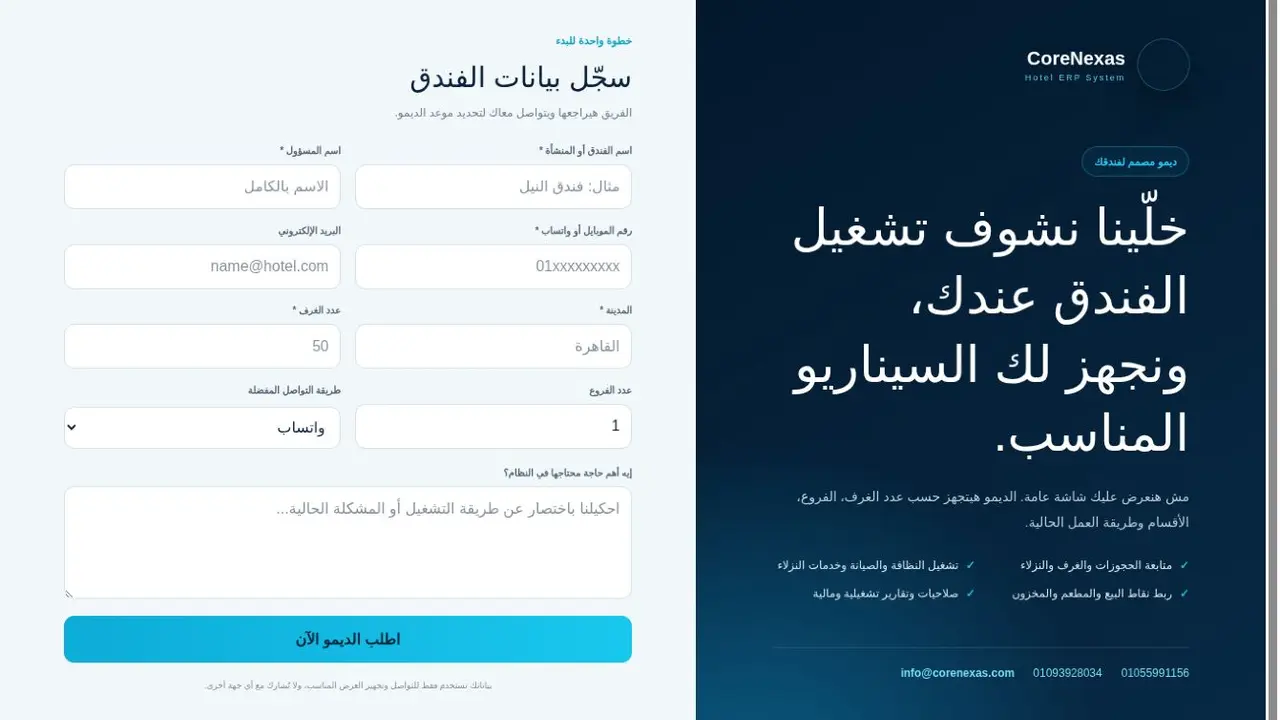
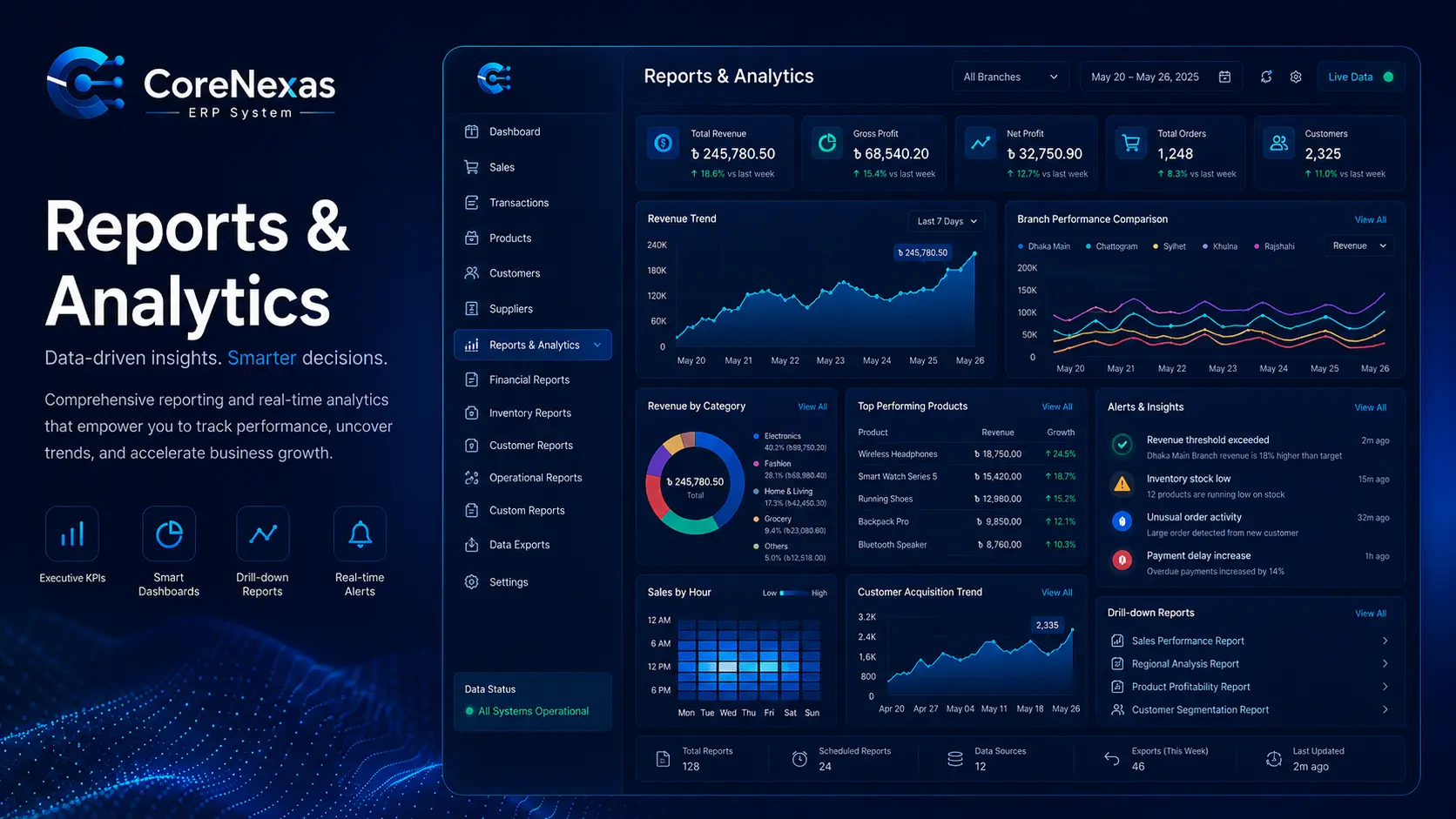
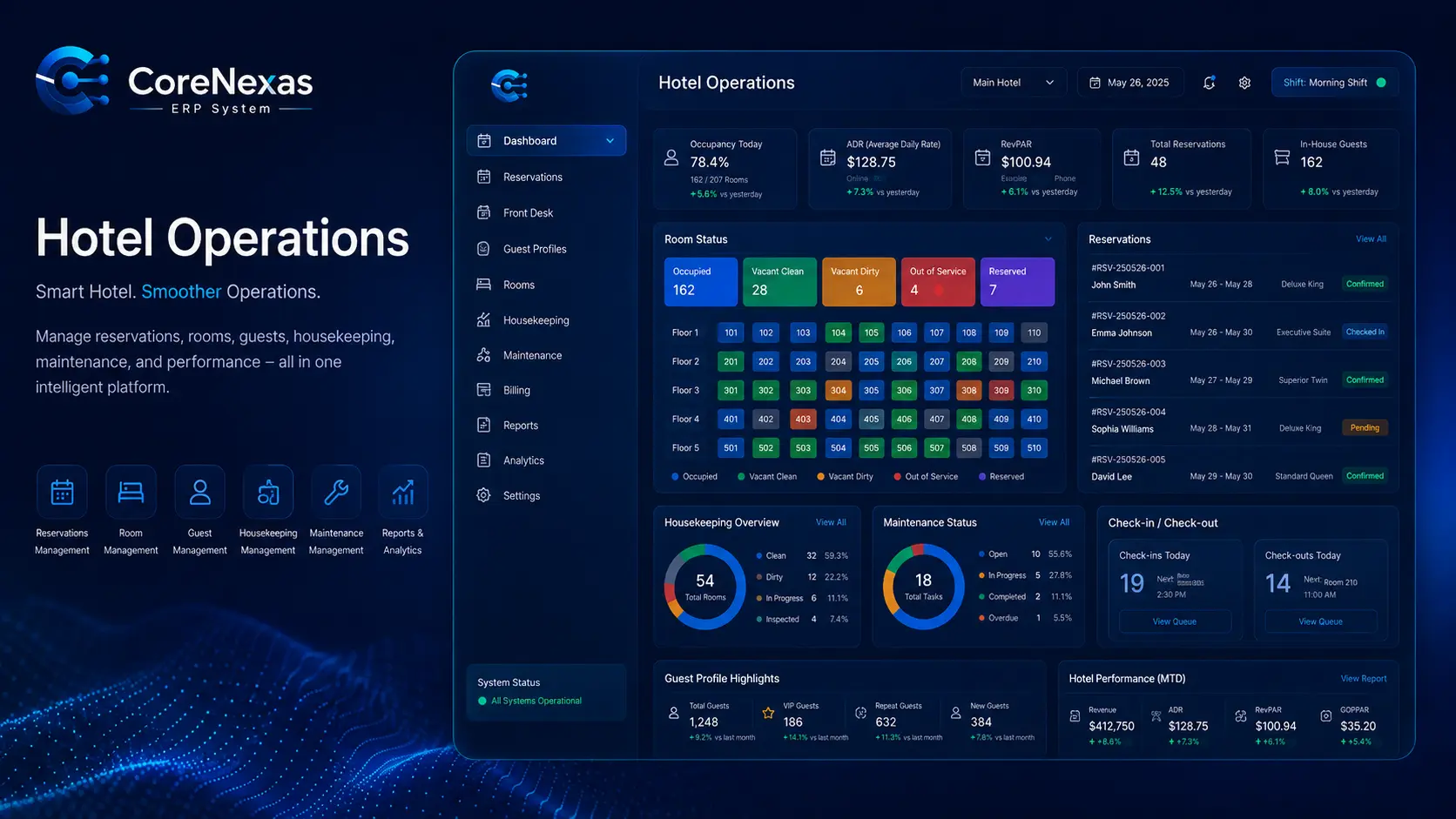
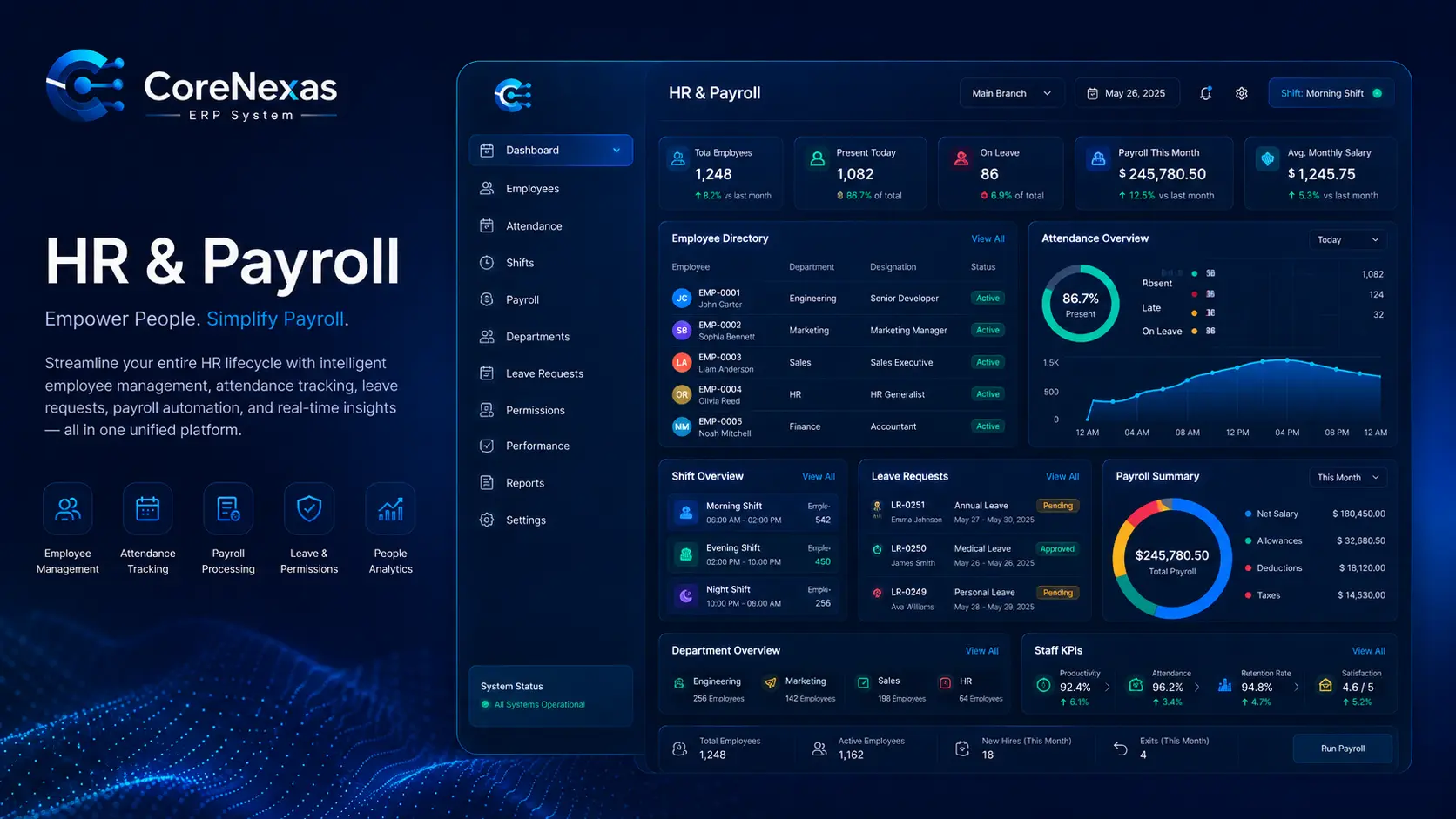
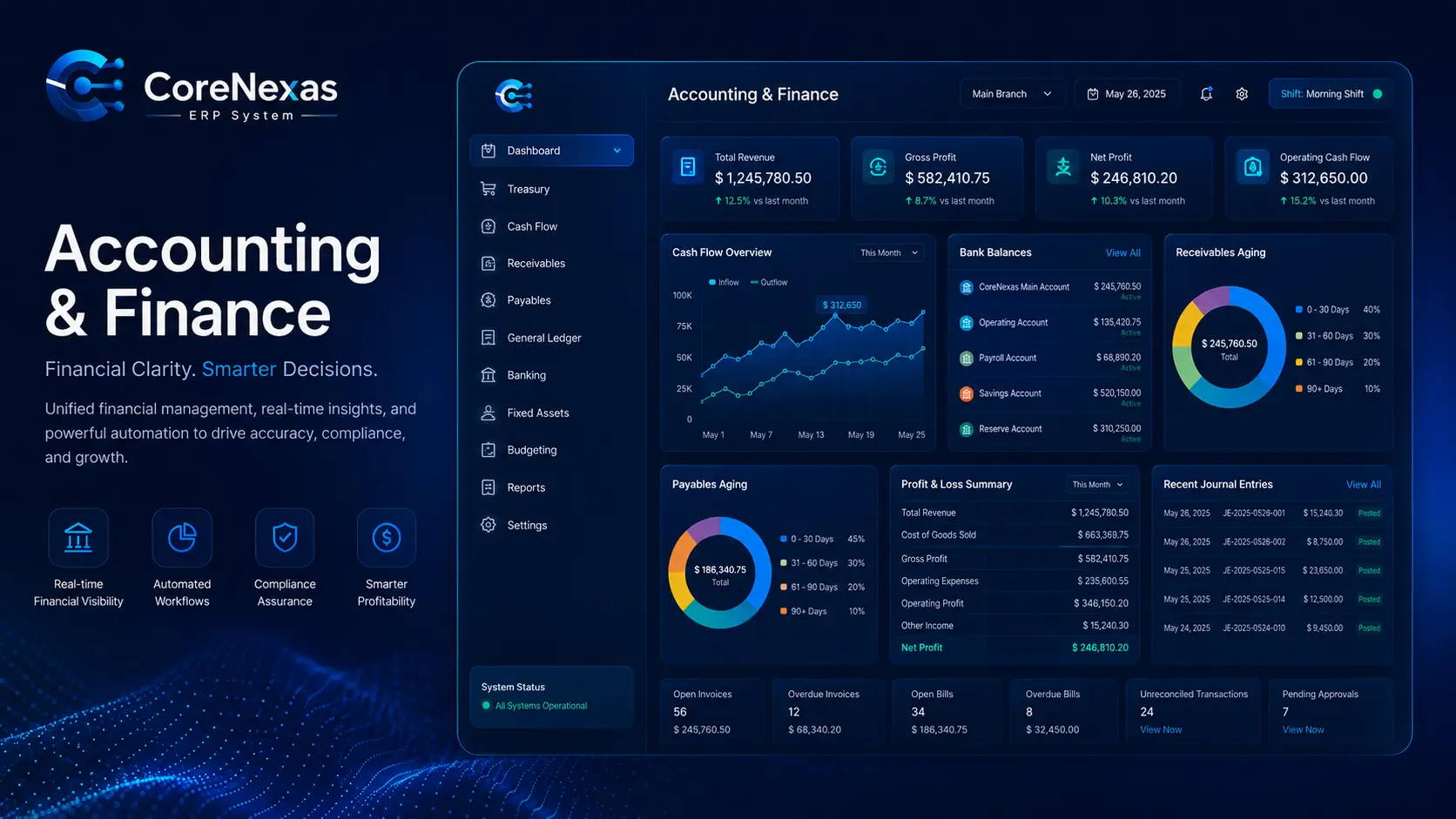
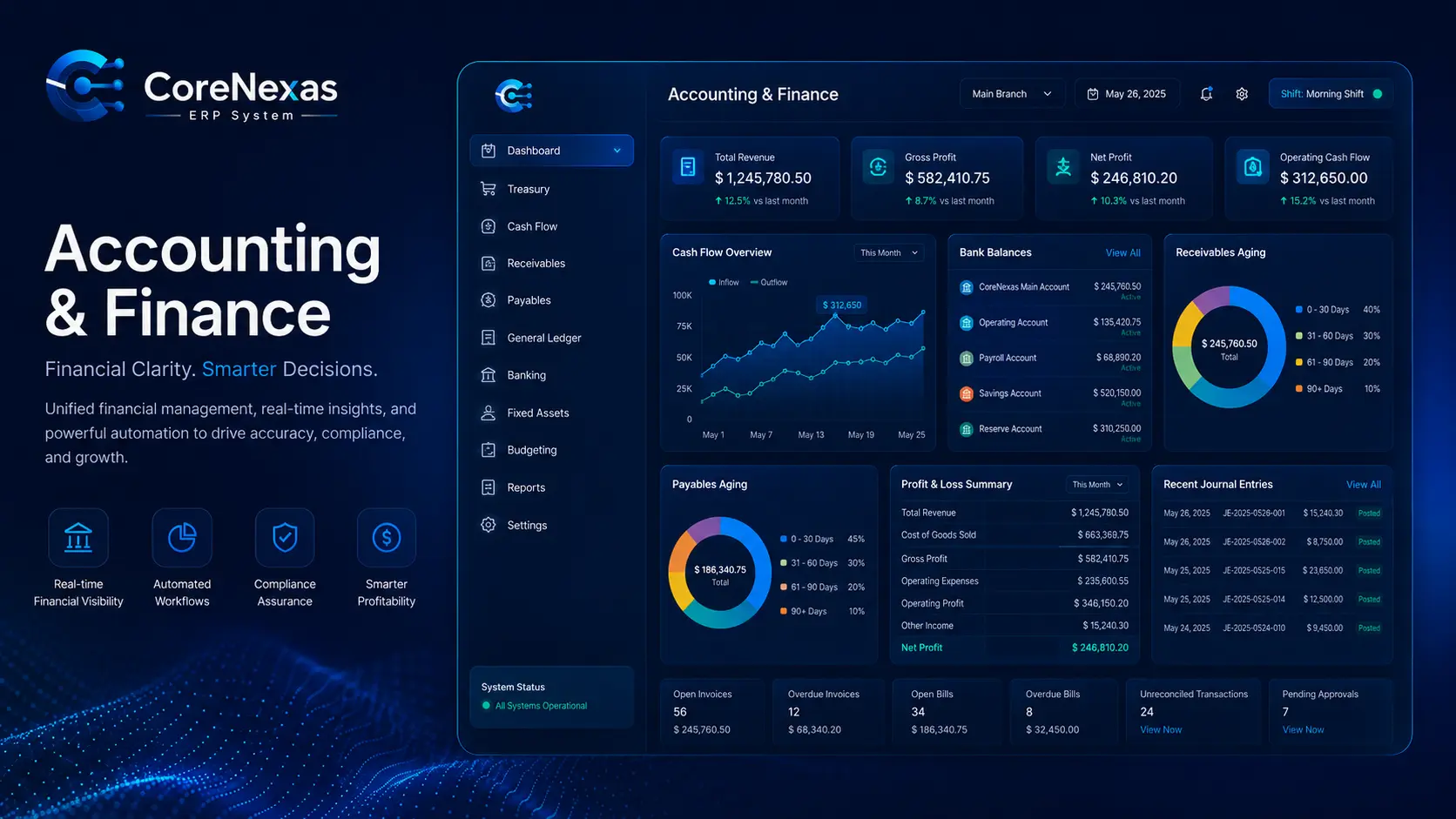
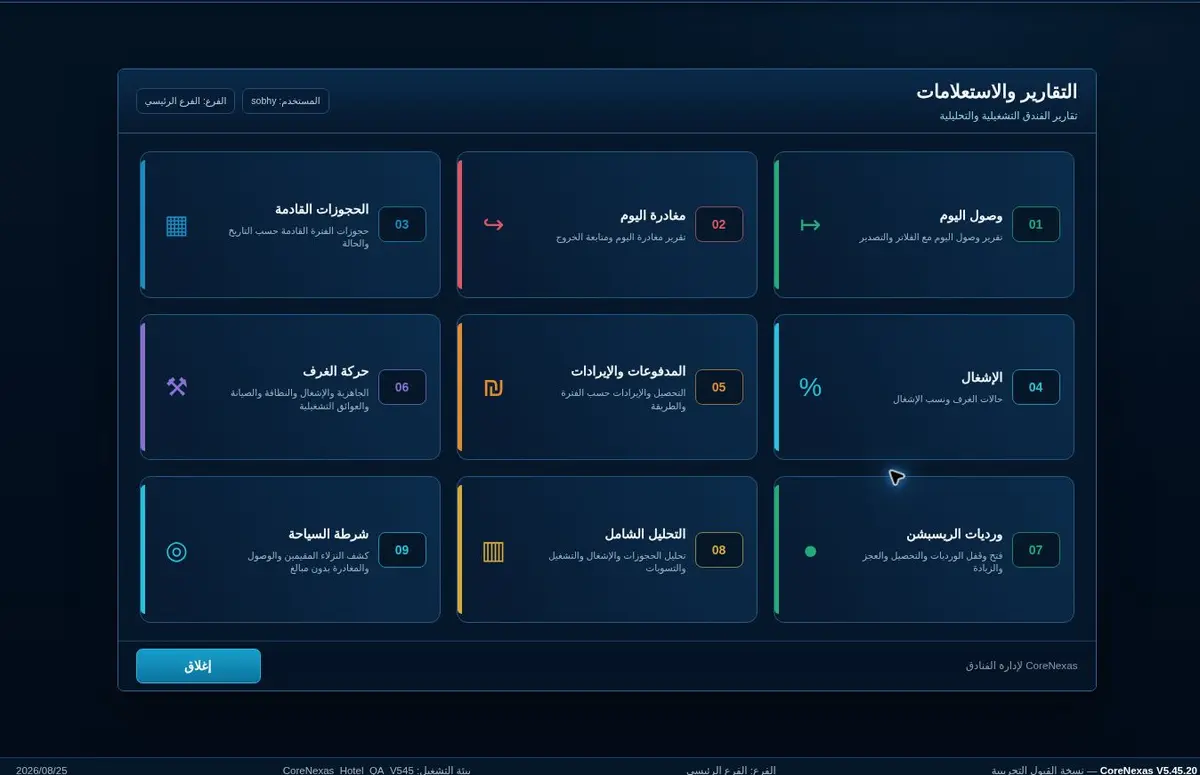
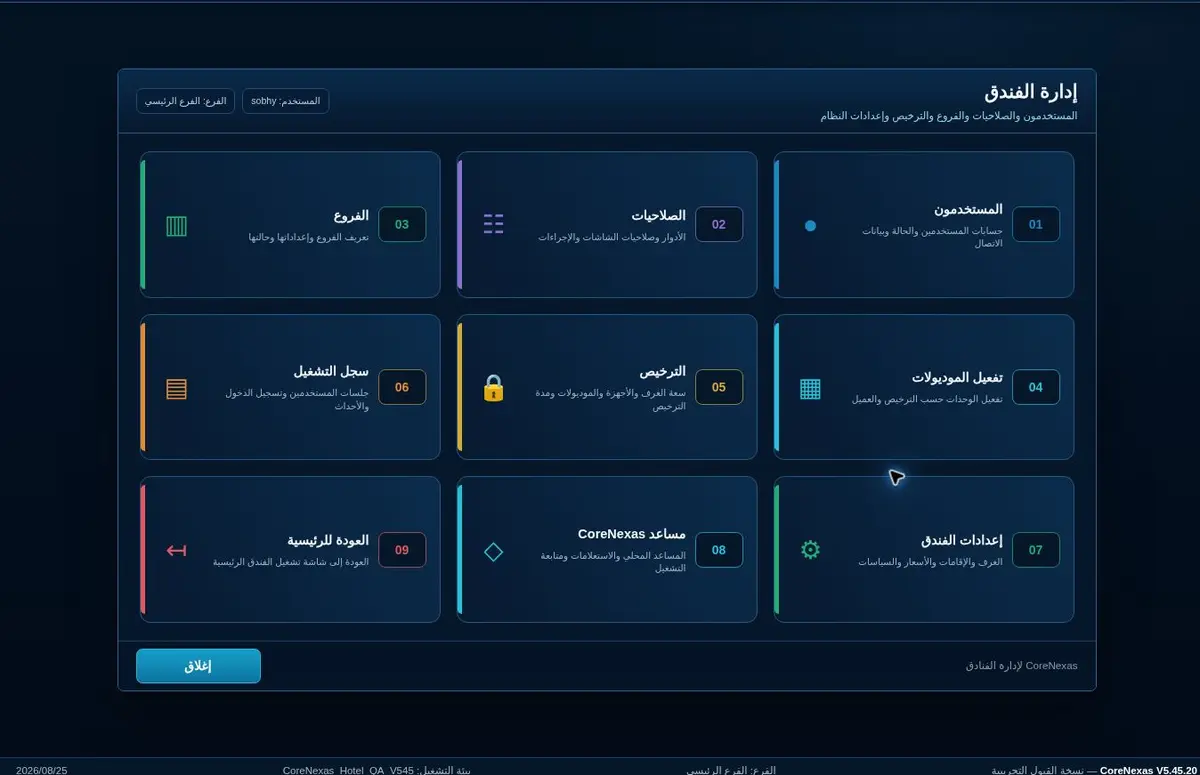
The public portal explains the operating model and provides one clear path to request a tailored demo.
Review the operating scope
Choose a tailored demo
Keep the administration area restricted
02
Submit the establishment profile
Enter the establishment name, contact person, mobile number, city, room and branch count, preferred contact method and the main operational challenge.
Use accurate operating data
Describe the highest-priority pain point
Submit only through the official secure portal
03
Review and scenario preparation
The CoreNexas team reviews the request, identifies control priorities and prepares a focused scenario rather than a generic presentation.
Confirm departments and branches
Map current documents and approvals
Prioritize the first deployment scope
04
Receive secure access
CoreNexas administration creates the customer workspace and sends its private access link only to the authorized customer contact.
Never publish private customer links
Use named user accounts
Keep the control center for CoreNexas administrators only
05
Configure the operating foundation
Create branches, warehouses, cashboxes, departments, users, roles, opening data and approval levels before live transactions begin.
Define responsibilities first
Apply least-privilege access
Review opening balances and master data
06
Run daily operations
Reservations, rooms, POS, purchasing, inventory transfers, cash shifts and service requests are recorded from their operational screens.
Record each movement at source
Use shifts and handover controls
Avoid shared user accounts
07
Close inventory and cash correctly
Receiving, issuing, transfers, returns, damaged stock and cash closing are reviewed against documents and responsible users.
Investigate variances immediately
Require approval for sensitive actions
Attach each movement to its source document
08
Review finance and management reports
Management follows revenue, balances, collections, stock exceptions, branch performance and audit trails from connected dashboards.
Review exceptions before totals
Compare branches and shifts
Follow unresolved approvals
09
Support, improve and expand
After the pilot is stable, the team trains users, resolves observations and activates additional modules or branches in controlled phases.
Keep a named system owner
Document every approved change
Expand only after the current phase is stable
Illustrated hotel manual
Hotel operations: the complete practical cycle
Follow the operating order below. Each illustrated screen shows the information to review, the action to take and the control point before moving to the next stage.
ⓘ Illustrations explain the approved workflow. Field names may vary slightly according to each hotel configuration and user permissions.
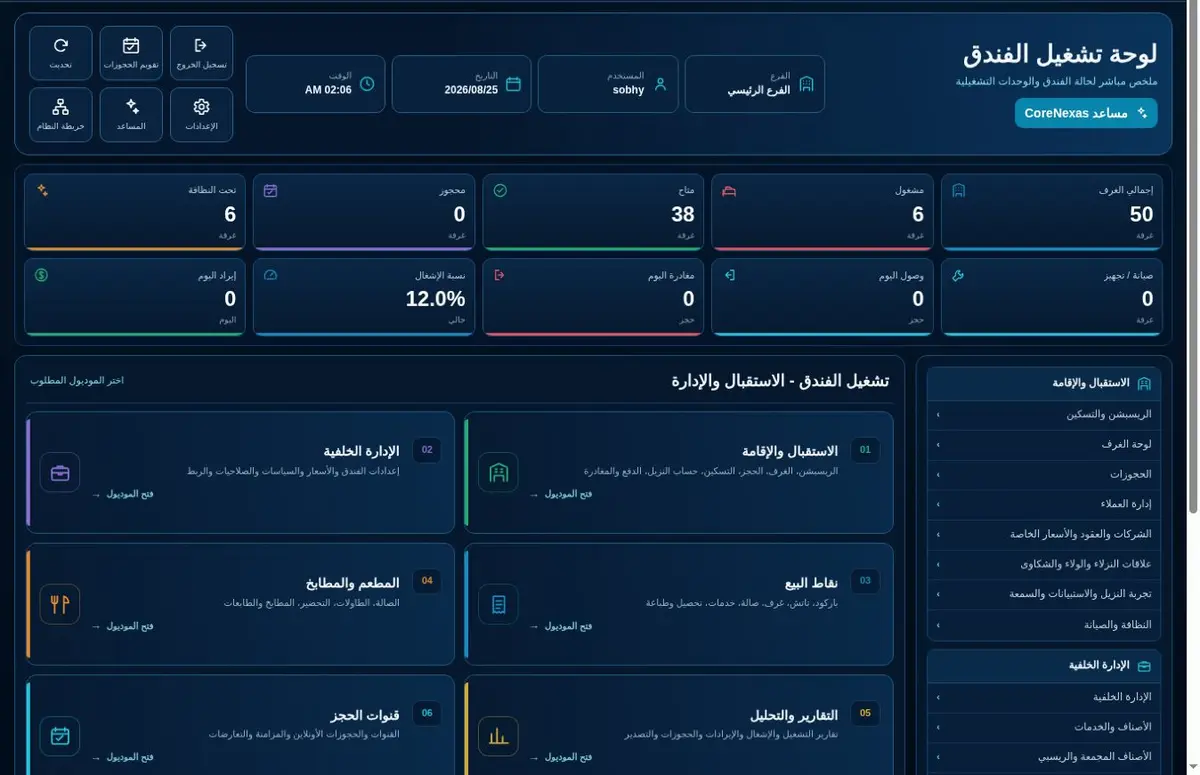
Actual Preview daily dashboard
01
Sign in and read the daily dashboard
Start every shift by checking arrivals, departures, occupancy, dirty rooms, open maintenance and unresolved balances.
Sign in with your own user account.
Select the correct property, business date and shift.
Review alerts before entering transactions.
Open the relevant task directly from its dashboard card.
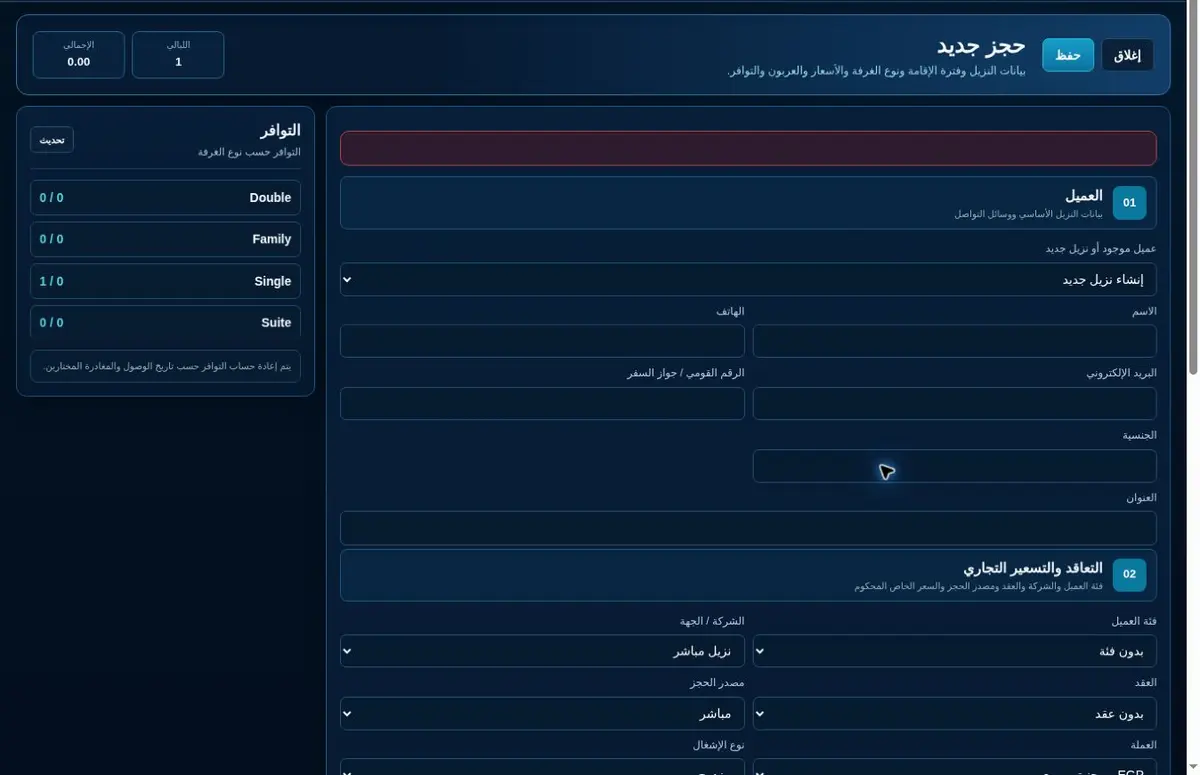
Actual new-reservation screen
02
Create and confirm a reservation
Record the guest, stay dates, room type, source, rate plan, adults, children and guarantee details.
Search first to avoid duplicate guest profiles.
Check availability for the full stay.
Select the approved rate and booking source.
Save, confirm and send the reservation reference.
Room selection and check-in controls
03
Assign the room and check the guest in
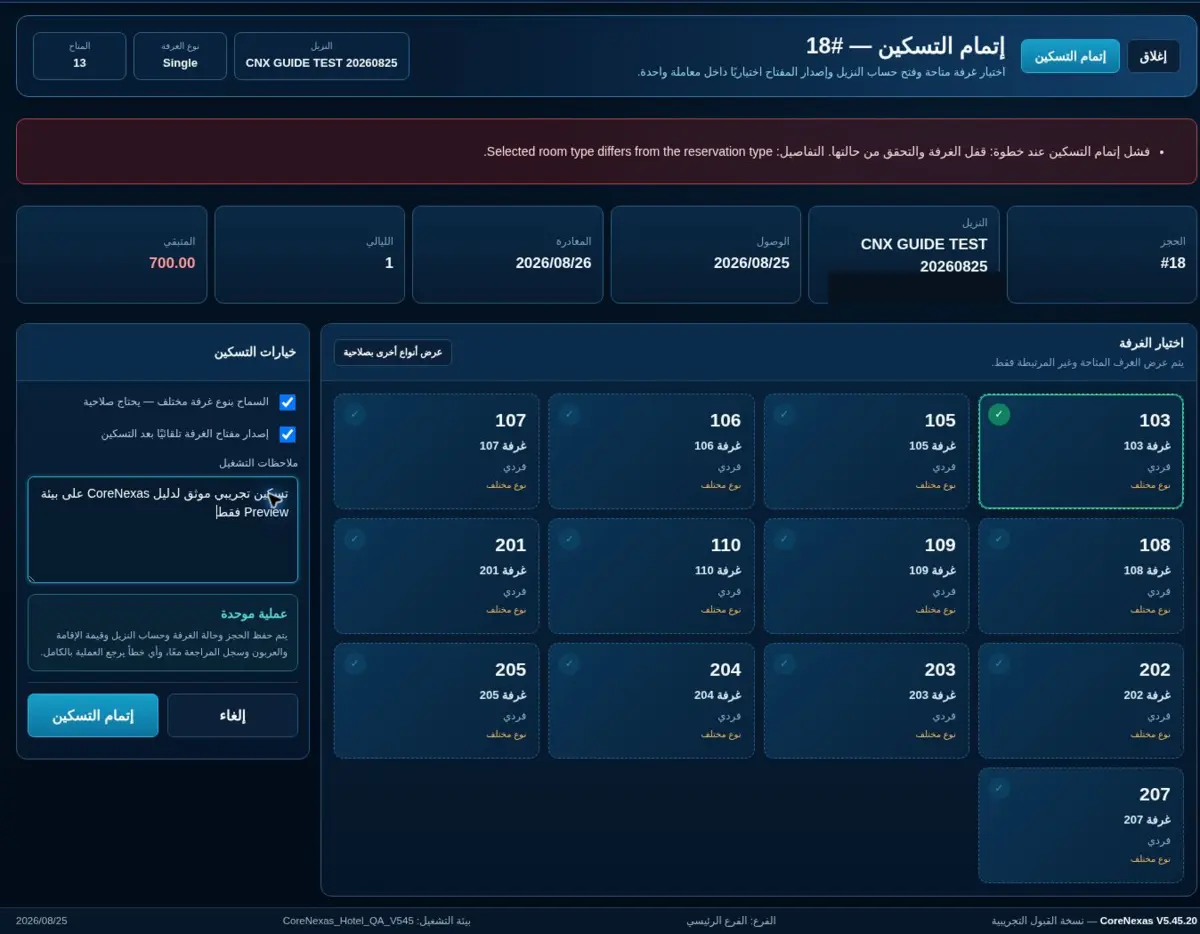
Verify identity, reservation details, room readiness, deposit and accompanying guests before changing the stay to checked-in.
Open today’s arrivals and select the reservation.
Confirm the room is clean and inspected.
Record ID details, companions and deposit.
Assign the room, issue the key and complete check-in.
Actual guest folio, payment and checkout controls
04
Manage the guest folio and services
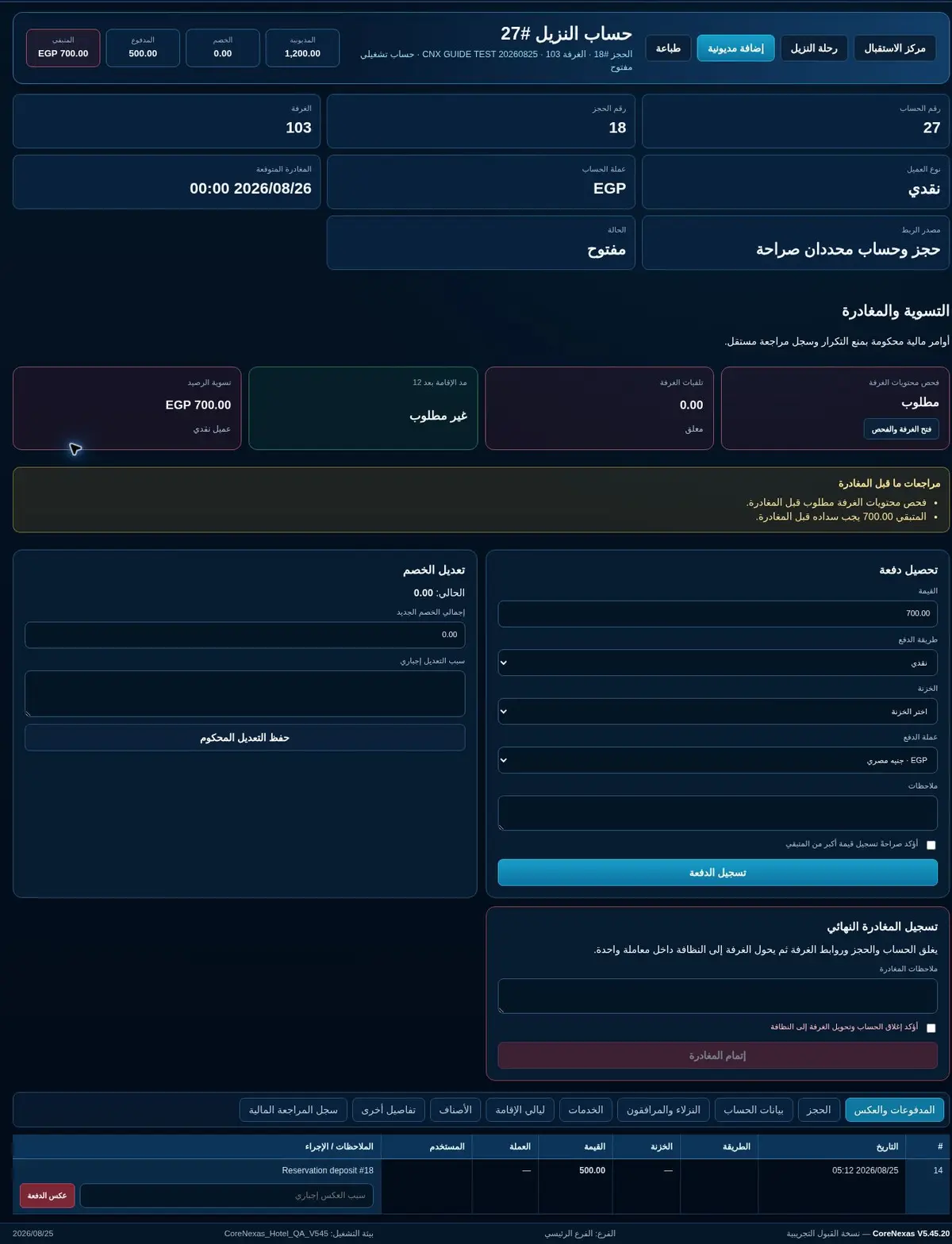
Post room charges, additional services, discounts, payments and transfers to the correct guest folio.
Open the guest folio from the occupied room.
Review automatic room charges and taxes.
Post services with date, department and reference.
Collect or transfer payments and review the remaining balance.
Live room-status boardHousekeeping task workflow
05
Operate housekeeping and room status
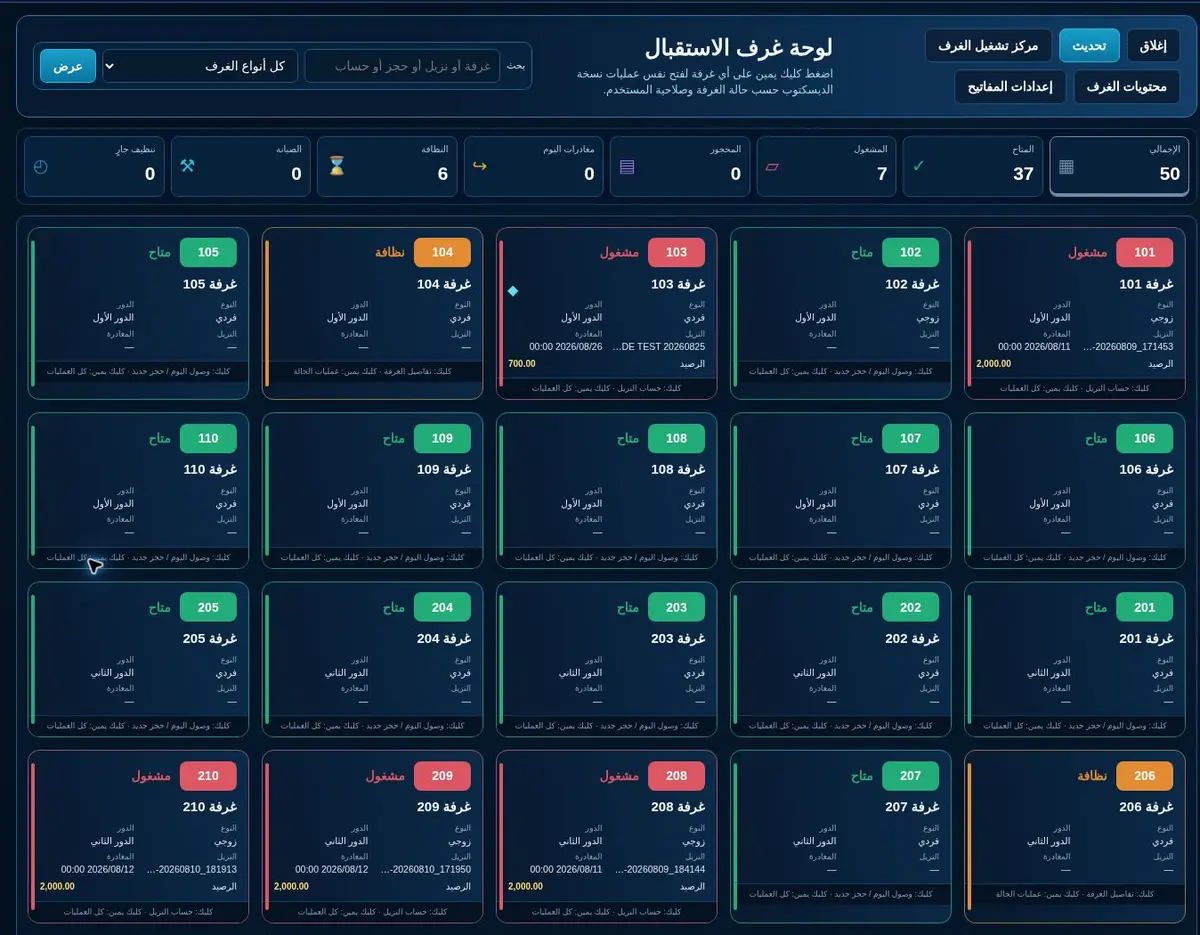
Housekeeping follows dirty, cleaning, inspected, do-not-disturb and out-of-order rooms from one status board.
Open the housekeeping board by floor or zone.
Assign rooms to attendants.
Update cleaning progress and minibar/linen notes.
Supervisor inspects the room before marking it ready.
Maintenance work-order status screen
06
Register and close maintenance requests
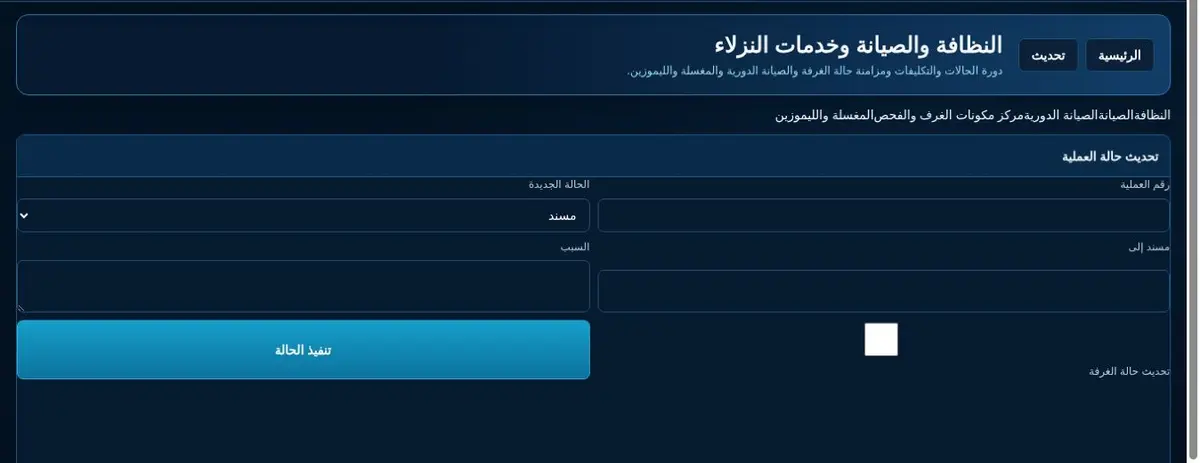
Every fault becomes a work order with room, category, priority, owner, timestamps, material usage and closure evidence.
Create the request from the room or maintenance screen.
Set priority and assign the responsible technician.
Record work, parts and downtime.
Test the repair, attach the result and close the order.
Post a service to an occupied roomGuest / direct-sale screenTouch POS for Take Away ordersTable sale linked to a restaurant table
07
Post restaurant and service charges
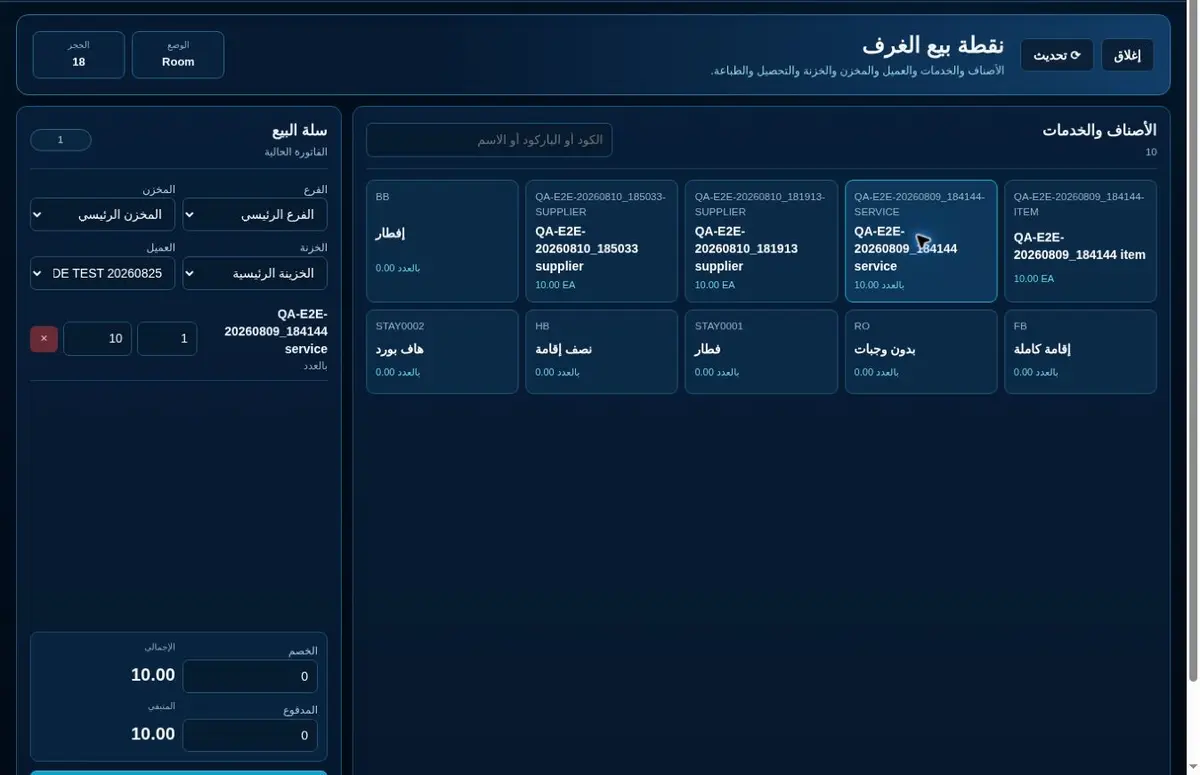
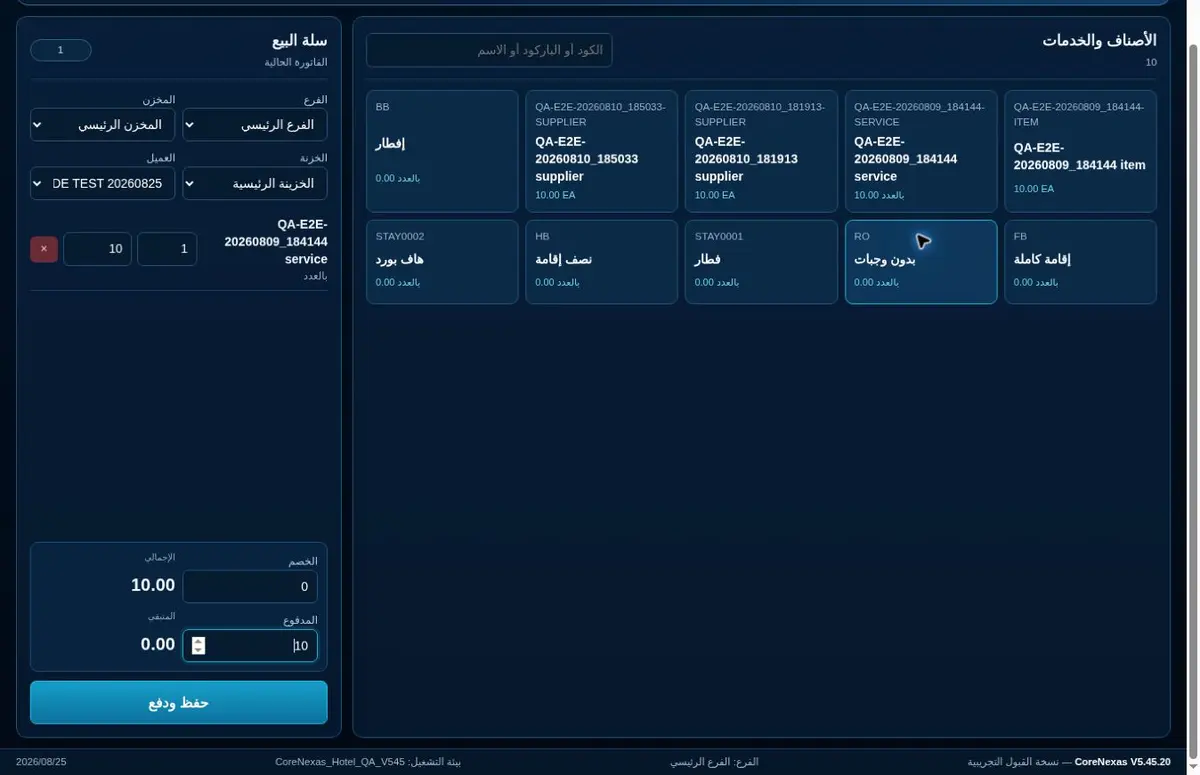
Restaurant, cafe, laundry and other outlets support guest/direct sales, Take Away, tables and approved room posting.
Guest: select the correct guest/customer before saving the bill.
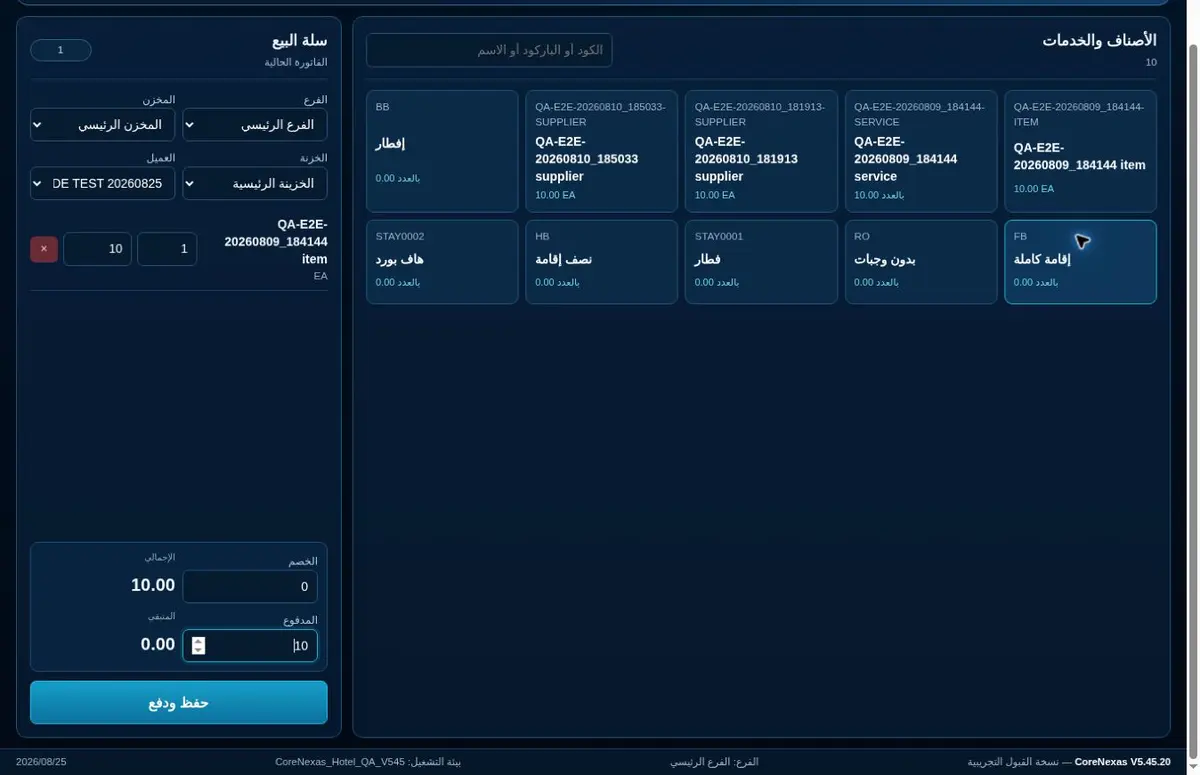
Take Away: use Touch POS, add the items and collect the full payment.
Tables: open the table by its number and keep the order linked to that table.
Room posting: verify the occupied room and guest before posting the charge.
Purchasing and inventory operations
08
Control stock and departmental issues
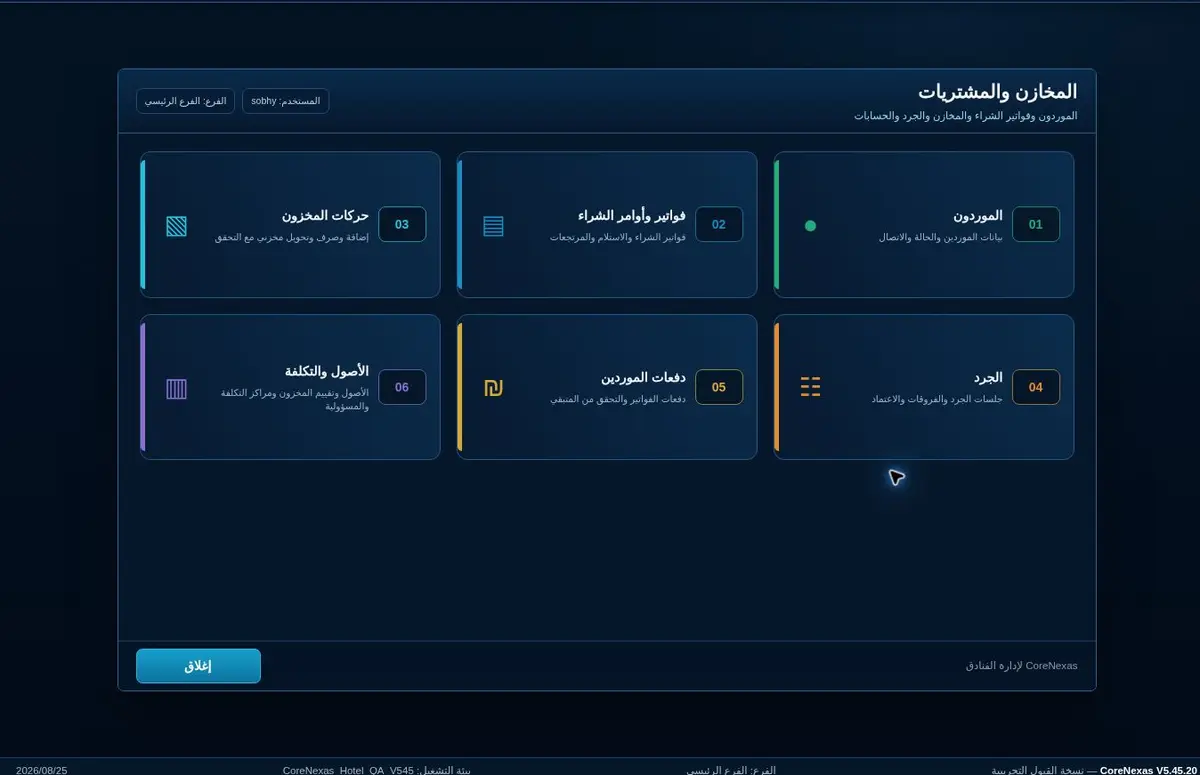
Receiving, issuing, transfers, returns and damaged stock must carry an item, quantity, cost, source, destination and responsible user.
Receive against a purchase or approved document.
Issue stock to the requesting department.
Use transfers for movement between stores.
Count variances and submit sensitive adjustments for approval.
Room-content inspection before departureFinal settlement and checkout confirmation
09
Review the bill and check the guest out
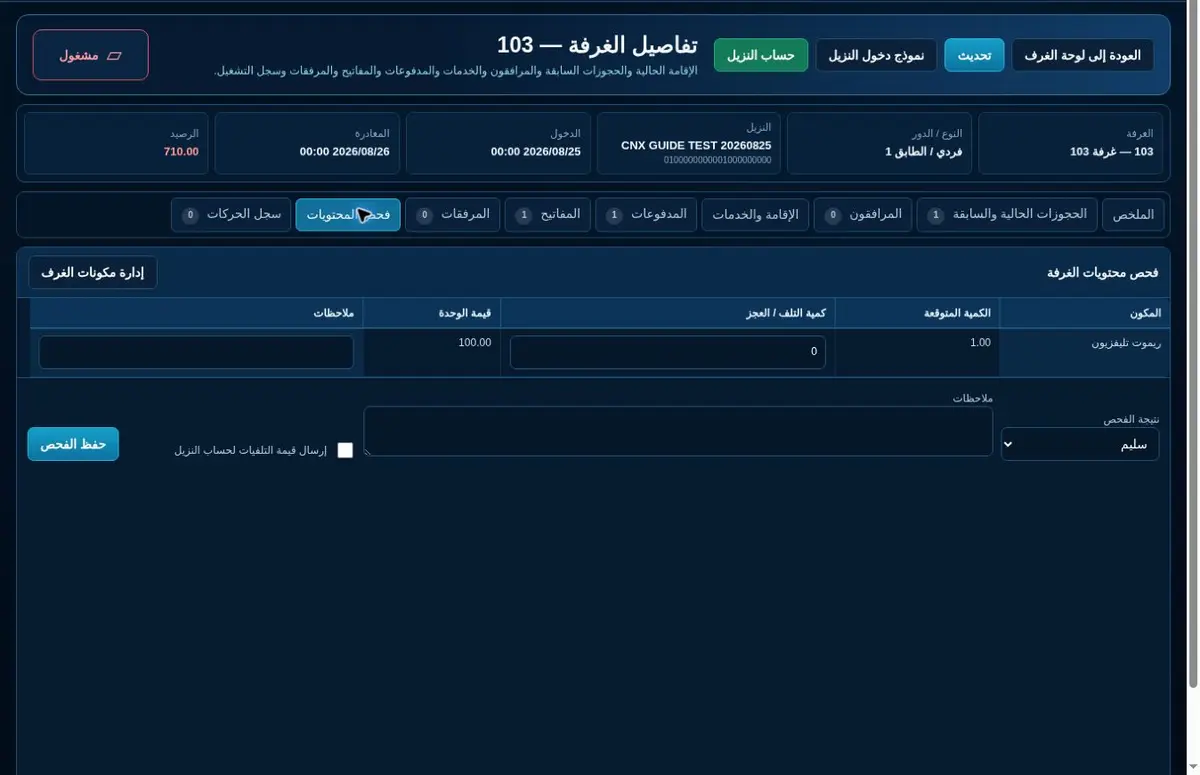
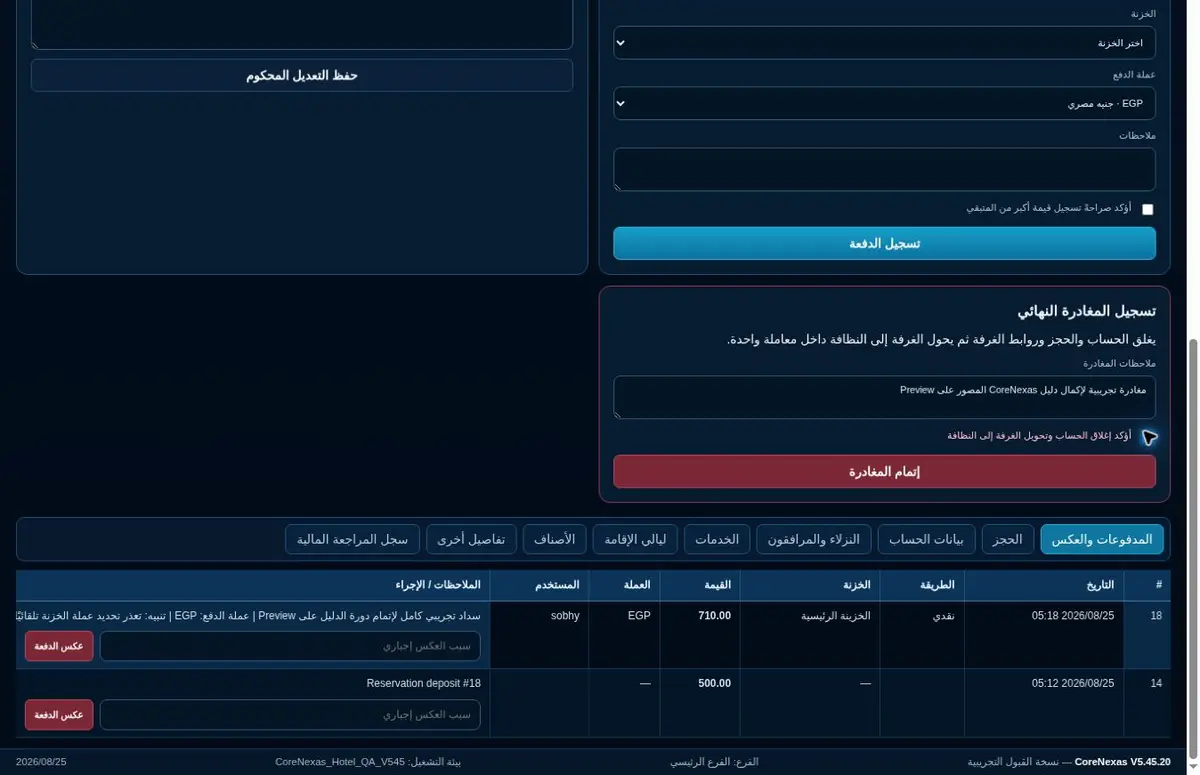
Before departure, confirm all departments have posted their charges and the guest balance is settled or transferred correctly.
Open today’s departures and review the complete folio.
Post missing charges and apply approved corrections.
Collect the balance and issue the final invoice.
Return the key, check out and change the room to dirty.
Cashier closingCoreNexas
CNX
Expected42,600
Counted42,600
Difference0
Cash18,300●
Cards21,800●
Room charges2,500●
10
Close the cashier shift and treasury
The cashier compares expected cash and payment methods with counted amounts, explains differences and hands over the shift.
Stop new transactions at the agreed closing time.
Count cash and reconcile card and digital payments.
Record overage or shortage with explanation.
Print the summary and complete the signed handover.